 White Zirconia Blocks
 Multilayer Zirconia Blocks
 Color Zirconia Blocks
 3D Zirconia Blocks
 4D Zirconia Blocks
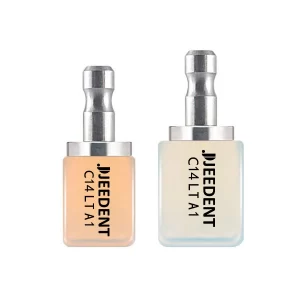 Amber Lithium Disilicate
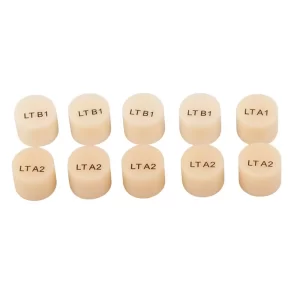 Press Porcelain
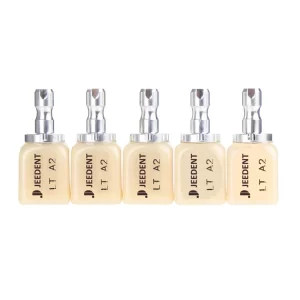 Non-sinterd Ceramics
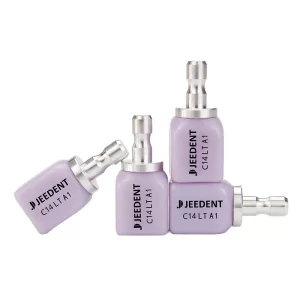 C14 Lithium Disilicate Ceramics
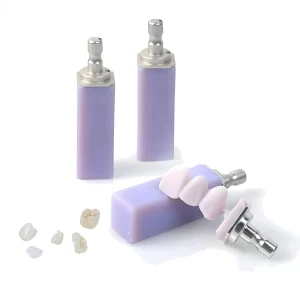 B40 Lithium Disilicate Ceramics
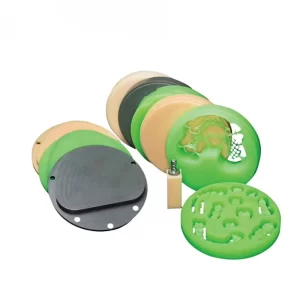 WAX Disc
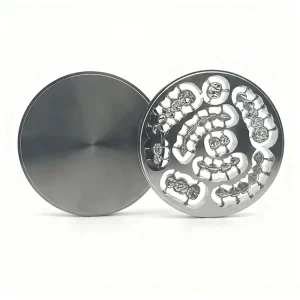 Titanium Disc
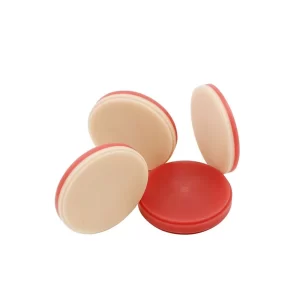 Double Layer PMMA Disc
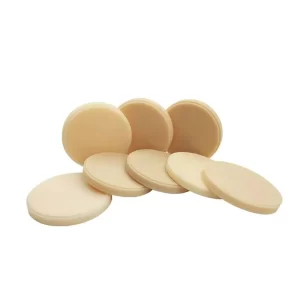 PMMA Disc
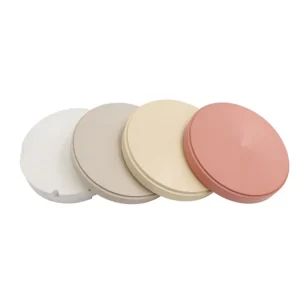 PEEK Disc
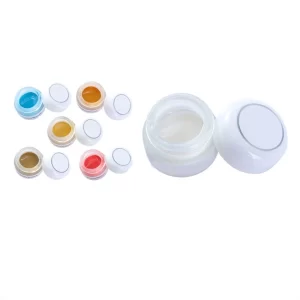 Stain & Glaze
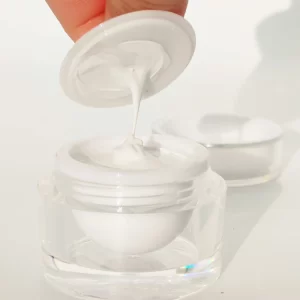 Dental Scanning Paste
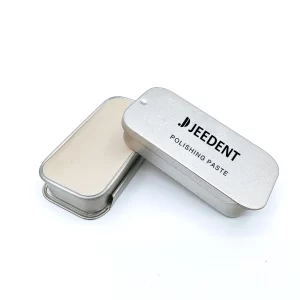 Dental Polishing Paste
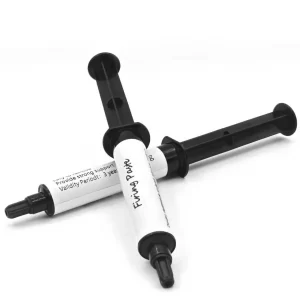 Dental Sintering Paste
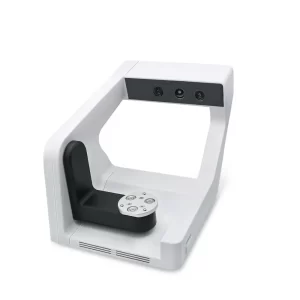 Desktop dental 3D scanners
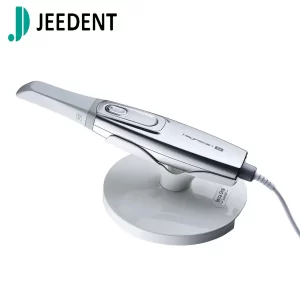 Intraoral scanner
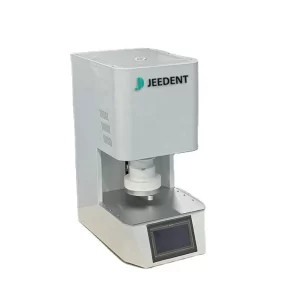 Dental Sintering Furnaces
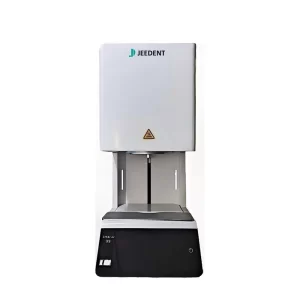 Dental Porcelain Furnace
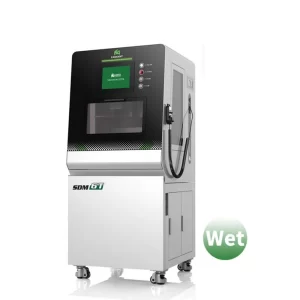 Dental Milling Machine
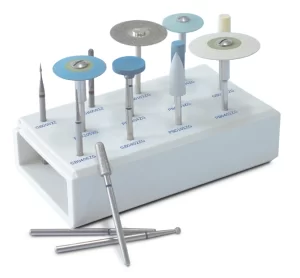 Dental polish kit
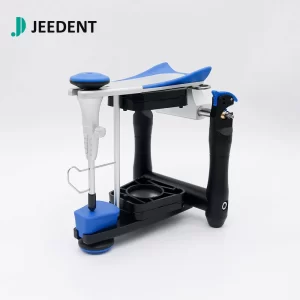 BN Articulator
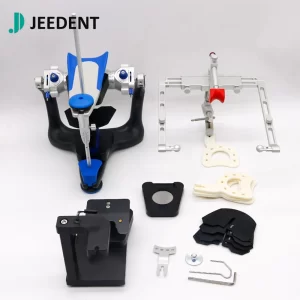 Full Adjustable Articulators
Digital dentistry is everywhere in clinics these days. Most dentists use intraoral scanners and CAD/CAM systems now. They’re way better than traditional impressions. But here’s a common problem: blurry scans, long scanning time, and rework because the scan quality is bad. These issues waste your time and make your workflow slow. Today, we’re talking about a small but powerful tool—Dental Scanning Paste. It solves these problems easily and makes your digital workflow smoother. You might not think much of it, but it’s a game-changer for your daily work
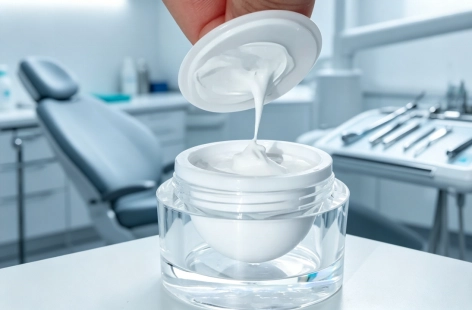
What Exactly Is Dental Scanning Paste?
Dental scanning paste is a special type of paste. A user applies it with intraoral scanners. The paste is not glue. It is also not a filling material. Users should not confuse these items. The paste has three key features. First, it is non-toxic. Second, it is easy to apply. Third, it is easy to clean. The paste works with most intraoral scanners. Examples include 3Shape and iTero. Why do users need this paste? Intraoral scanners often miss small details on smooth tooth surfaces. The paste fixes this problem. It makes those details stand out. This way, scans become clearer from the beginning.
The Core Ways Dental Scanning Paste Improves Digital Workflow
Dental scanning paste transforms digital workflows in four core ways, each directly improving efficiency and outcomes.
1. Cut Down Scan Time Significantly
First, it reduces scan time—saving your precious time. Before using scanning paste, you might have to scan the same area over and over. That’s because the scan is blurry, and you can’t get all the details. Scanning paste enhances contrast. It makes tooth edges, gaps, and small details clear in one go. For example, a single arch scan used to take 5 to 8 minutes. Now, with the paste, you can finish it in 2 to 3 minutes. That’s a big time-saver, especially on busy clinic days.
2. Boost Scan Accuracy & Avoid Rework
Second, it improves scan accuracy—no more rework or mistakes. Smooth tooth surfaces, like veneers or crowns, often cause reflection. That reflection makes scans blurry. Scanning paste stops that reflection. It ensures your 3D model matches the actual condition of the patient’s mouth. This reduces errors in CAD/CAM design and production. You won’t have to redo designs or remanufacture restorations. That saves you time, money, and frustration.
3.Simplify Post-Processing for Your Team
Third, it simplifies post-processing work—less work for your team. Clearer scans mean less time editing 3D models. You won’t have to spend hours repairing missing details or adjusting edges. The scan is good to go right after you take it. This speeds up the transfer from scanning to design to production. The whole workflow cycle gets shorter. Your team can focus on other important tasks, not fixing scan errors.
4. Enhance Patient Experience & Build Trust
The paste has a fourth benefit. It improves the patient’s experience. This helps you gain more trust from patients. A shorter scanning time means less discomfort for patients. This benefit is especially important for children. It is also important for patients with sensitive mouths. These patients do not need to keep their mouths open for a long time. The paste also leaves no messy residue. It is easy to clean after scanning. Patients will like this quick and clean process. Happy patients are more likely to return. They are also more likely to recommend your clinic.
Practical Tips: How to Use Dental Scanning Paste Correctly
You can get the most out of dental scanning paste without any trouble. Just follow these three simple tips. These tips will help you get reliable and high-quality scans every time.
Tip 1: Apply the Right Amount
First, apply a thin layer on the tooth surface. Make sure the layer is even. Do not use too much paste. A thick layer can lower the scan accuracy. A thin layer is enough for the job. It makes the tooth details stand out clearly. It will not mess up the scan results. You can use a small brush to spread the paste. Spread it evenly across the surface. This step takes only a few seconds. It is quick and easy to do.
Tip 2: Check Scanner Compatibility
Second, check the compatibility. Most pastes work with all intraoral scanners. But you should still double check your scanner model. You may use a 3Shape, an iTero, or another brand. A quick check makes sure the paste works well with your device. This step helps you avoid unexpected problems during scanning.
Tip 3: Store It Properly
Third, store the paste properly. Keep it in a cool and dry place. Avoid direct sunlight. Also avoid high temperatures. Heat or sunlight can change the paste’s texture. Good storage keeps the paste in good condition. This way, the paste stays easy to use for a long time. Good storage also helps the paste work well every time you use it.
Conclusion
Dental scanning paste is a low-cost tool. It also works with high efficiency. This paste improves your digital dentistry work in several simple ways. It is not just a paste. It saves you time during each scan. It reduces errors in the final digital model. It also improves the patient experience from start to finish. Every clinic that uses digital scanning should have this paste in their supplies. It is a small investment for your clinic. That small investment brings big returns in quality and speed. If you want high-quality dental scanning paste for your clinic, we can provide reliable options. We understand your daily needs as a dental professional. Our products are designed to make your work easier and more reliable.